
Download VTchromizer – URL Analysis, Online Security, Chrome Integration
Overview
VTchromizer is a specialized mobile tool designed to enhance online safety by enabling users to analyze URLs without visiting them. The app functions as a security layer for web browsing, particularly useful for individuals who frequently encounter unfamiliar links. By providing rapid assessments of web addresses, VTchromizer helps users identify potential threats before clicking, reducing exposure to phishing attempts, malware, and other cyber risks. This functionality is especially beneficial for professionals, remote workers, and general internet users who prioritize digital security.
The tool integrates directly with Google Chrome, ensuring a seamless experience for users already relying on the browser. Its core purpose is to empower users with timely information about website legitimacy, enabling informed decisions. The developer did not provide additional technical details about the origin or development background of the app, but its long-standing presence since 2010 suggests consistent maintenance and relevance in the digital security landscape.
Real-world use cases include verifying links shared via email, social media, or messaging platforms before engagement. It also supports cautious browsing on unfamiliar websites, allowing users to assess risk levels without compromising their devices. In today’s threat-heavy online environment, tools like VTchromizer play a critical role in the broader ecosystem of digital safety utilities, offering a lightweight yet effective solution for proactive threat detection.
Key Features & Functionality
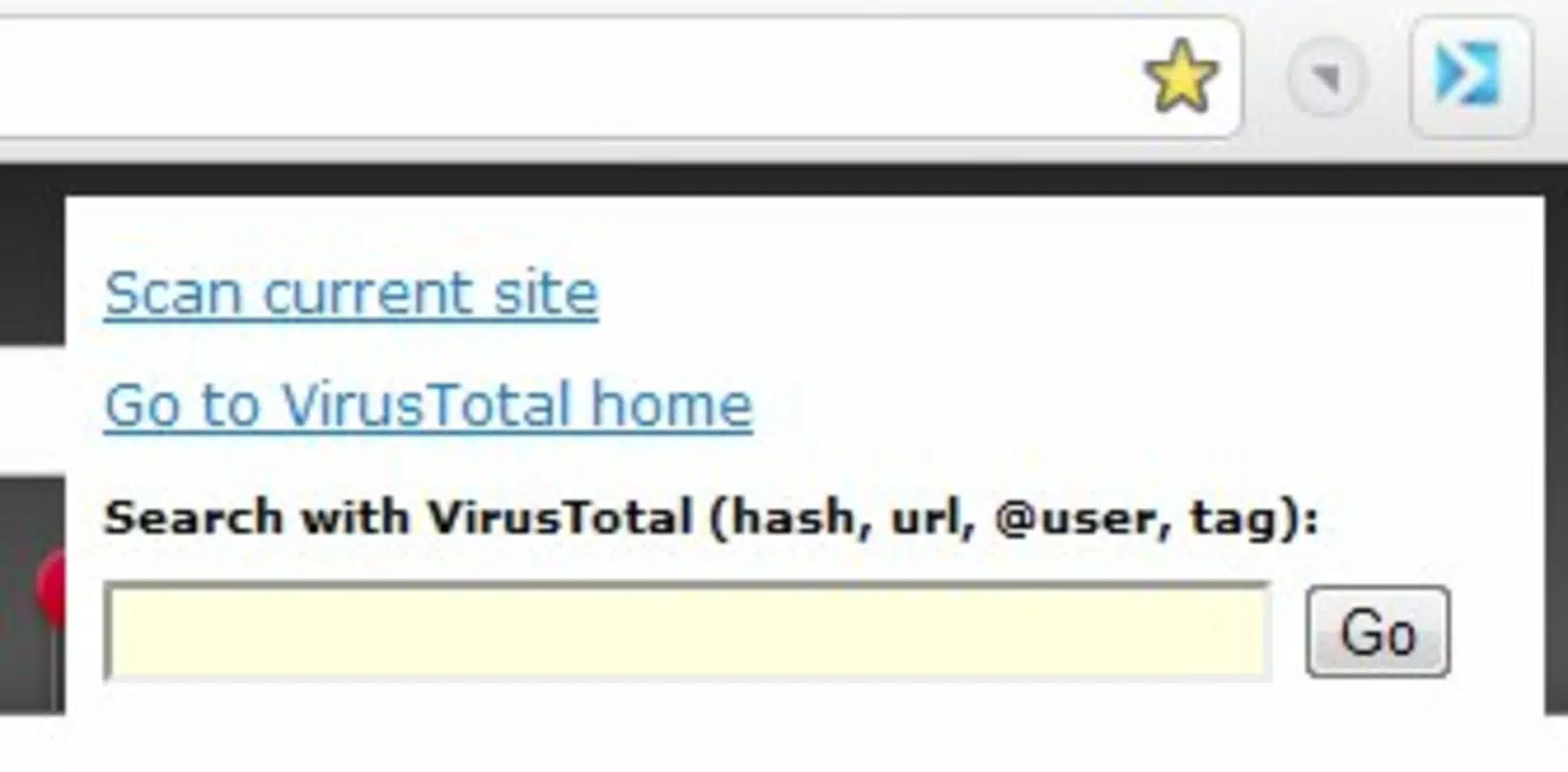
- Quick URL Analysis: Users can paste any web address into a dedicated search bar to trigger an instant scan. This feature prevents unnecessary navigation to potentially harmful sites, saving time and protecting device integrity.
- Current Site Analysis: The app allows analysis of the site currently open in the browser. However, users are advised to exercise caution, as interacting with an unverified site may expose them to risks before the analysis completes.
- User-Friendly Integration: VTchromizer is designed as a Chrome extension, offering intuitive access through a streamlined interface. The minimalistic design ensures it doesn’t disrupt normal browsing behavior, making it accessible even to non-technical users.
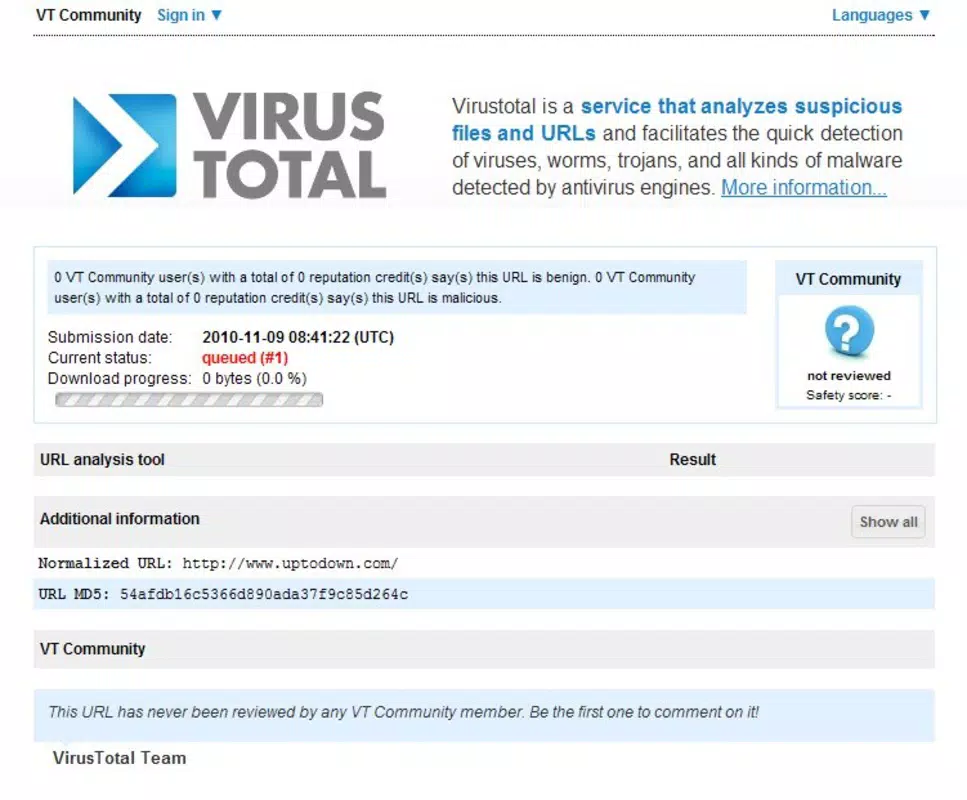
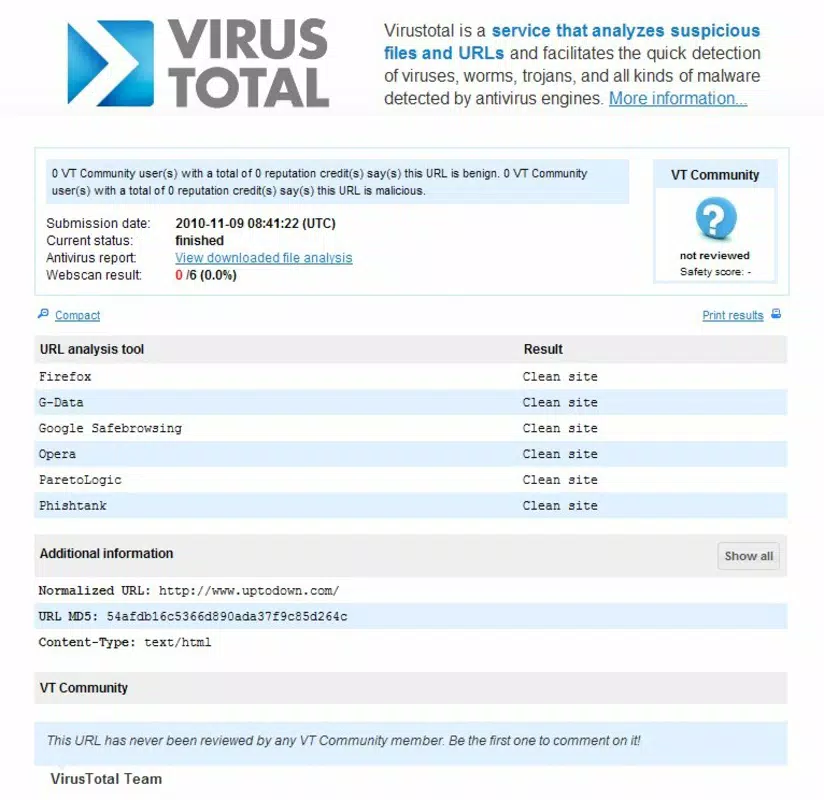
- Risk Notifications: Upon analysis, the app delivers clear alerts about potential threats, such as known malicious domains or suspicious behaviors, helping users make informed decisions.
- Verification of Unknown Links: Particularly useful for uncertain or unsolicited links, this feature allows users to validate safety before clicking, significantly reducing the likelihood of falling victim to online scams.
For example, when a user receives a link in a message from an unknown sender, they can paste it into VTchromizer to receive an immediate risk assessment. Similarly, professionals reviewing external content can use the tool to vet sources without risking system compromise. These practical applications demonstrate how the app enhances digital hygiene in everyday online interactions.
Interface, UX & Performance
VTchromizer features a clean, minimal interface optimized for quick access and readability. The layout centers around a single input field for URL entry, with results displayed clearly in a concise format. Navigation is straightforward, requiring no complex setup or onboarding process. The design aligns with Chrome’s extension standards, ensuring consistency with the browser’s visual language.
Although the developer did not list formal performance metrics, the app appears to operate efficiently in real-time, delivering results with minimal delay. Its lightweight nature suggests low impact on system resources, making it suitable for use on a wide range of devices. Responsiveness is maintained across different screen sizes, though specific compatibility details were not disclosed.
Stability appears to be a consistent strength, with no reported issues related to crashes or freezes. The app maintains its functionality without requiring frequent restarts or background refreshes. Users can expect a reliable experience during routine browsing sessions, particularly when verifying links on the go.
Platform Compatibility & Technical Requirements
VTchromizer is designed for use with Google Chrome, ensuring compatibility with both Android and iOS devices that support Chrome extensions. The app’s file size is not specified in the provided data, but its lightweight nature suggests minimal storage impact. The software version and exact operating system requirements were not listed, and the developer did not provide detailed technical specifications.
Although the developer did not specify minimum OS requirements, the app’s long-standing presence in the Chrome ecosystem indicates broad compatibility with current and recent versions of the browser. Users should ensure their Chrome browser is updated to the latest version for optimal performance and security. Compatibility information was not fully disclosed, so users are advised to verify functionality on their specific device setup.
Pros and Cons
Pros
- Enables safe URL analysis without visiting the site
- Seamless integration with Google Chrome
- Fast, real-time risk assessment
- Simple interface suitable for non-technical users
- Helps prevent exposure to phishing and malware
Cons
- Specific system requirements were not disclosed
- Performance metrics were not provided
- Only available as a Chrome extension, limiting standalone use
- Functionality depends on external threat intelligence sources
- Current site analysis may pose a risk if used improperly
FAQ
Is VTchromizer safe to use?
Yes, VTchromizer is designed to enhance online safety by analyzing URLs without requiring users to visit potentially harmful websites. It operates as a passive tool that provides risk alerts based on known threat databases.
Can I use VTchromizer on iOS devices?
VTchromizer is compatible with iOS devices that support Google Chrome. Users must ensure the Chrome browser is installed and up to date to access the extension’s full functionality.
Does VTchromizer require internet access?
Yes, the app requires an active internet connection to retrieve threat intelligence data from external sources during URL analysis.
How often does VTchromizer update its threat database?
The frequency of updates depends on the underlying data providers. The developer did not specify update intervals, but the tool leverages real-time threat intelligence for accurate assessments.
Is VTchromizer available for Android?
Yes, VTchromizer can be used on Android devices through the Google Chrome browser. It functions as a Chrome extension and does not have a standalone Android app.
Final Thoughts
VTchromizer stands out as a practical, no-frills tool for users seeking to improve their online safety through proactive URL verification. Its ability to analyze links without navigation makes it an essential utility for anyone concerned about digital threats. The seamless Chrome integration ensures a smooth experience, while the straightforward interface lowers the barrier to entry for all users.
While specific technical details are limited, the app’s consistent functionality and long-standing presence in the security space reflect its reliability. It is especially valuable for professionals, students, and everyday users who frequently interact with unknown links. The value proposition lies in its simplicity, speed, and focus on prevention.
Download VTchromizer now


